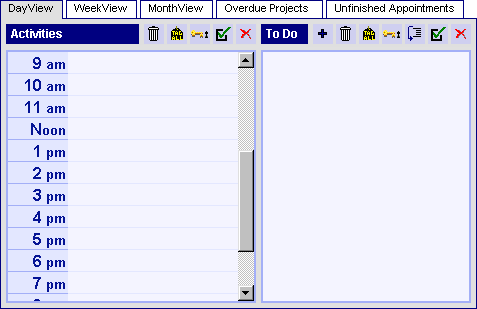
The calendar is arranged by tabs into daily, weekly, and monthly views, with a separate tab for overdue activities. When you click on a tab, the corresponding view opens.
In addition to the buttons on the calendar, the DayView, WeekView, and MonthView calendar views have the following navigational buttons:
(Click each button for a brief description of its function.)

The Overdue Activities view has the following navigational buttons:
(Click each button for a brief description of its function.)
